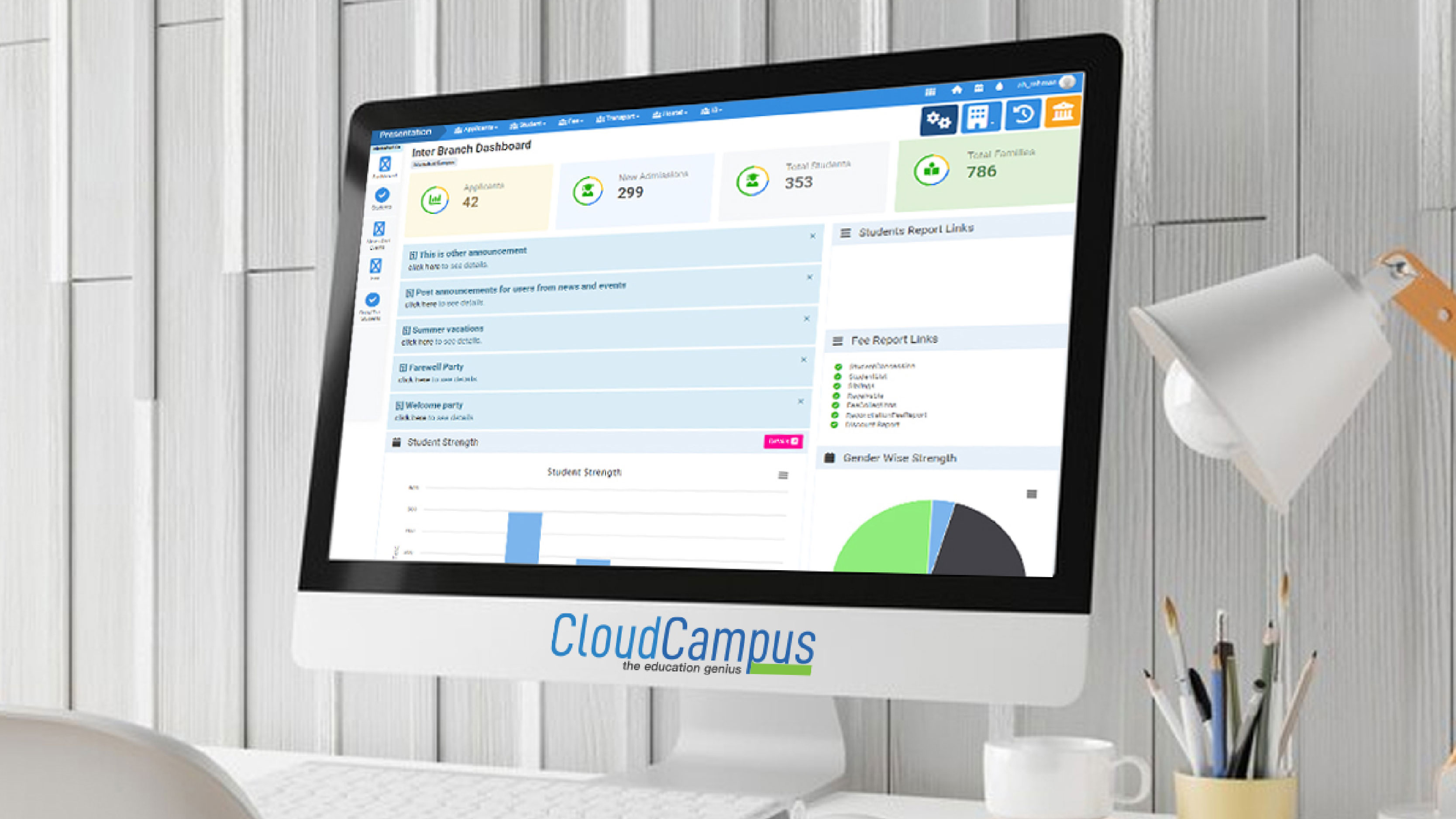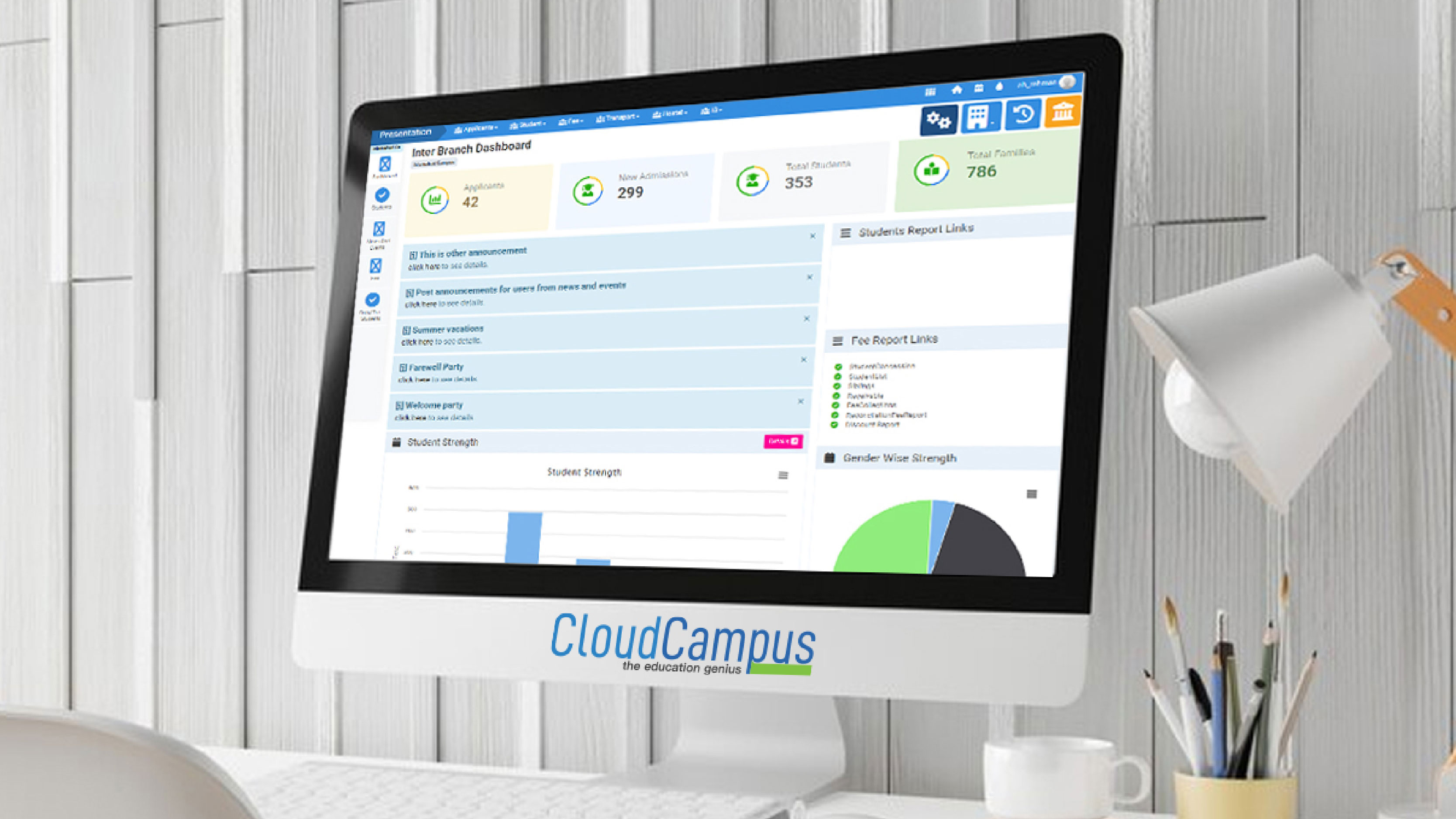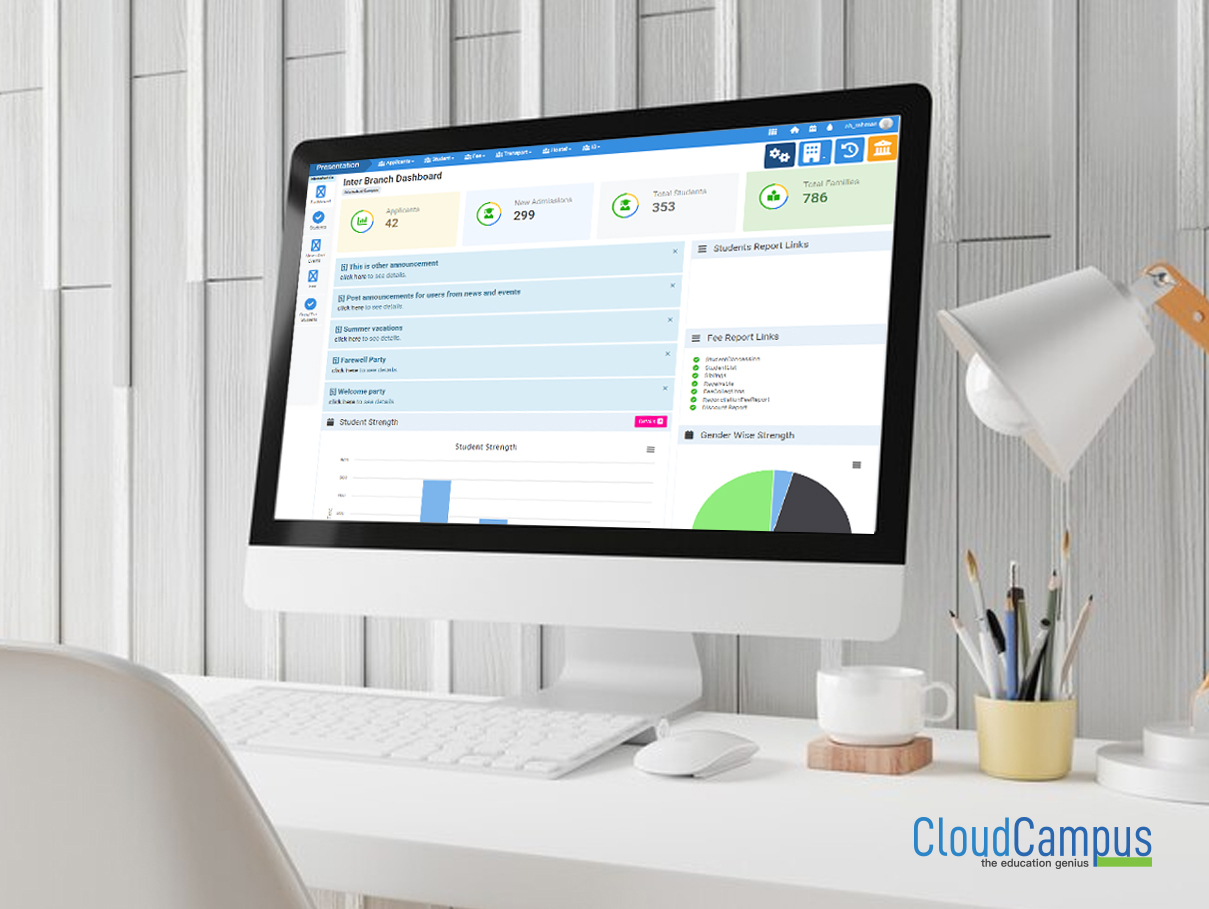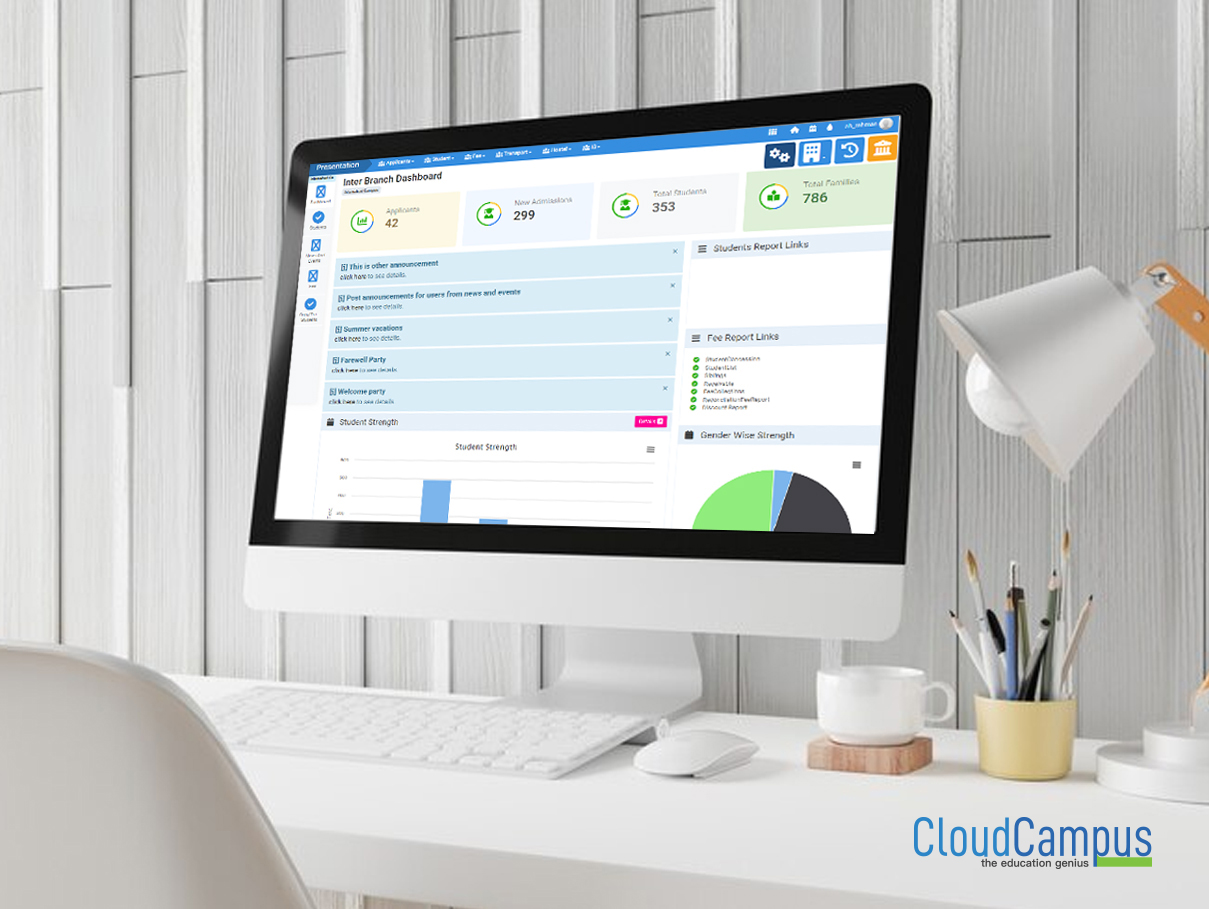
IB (Inter Branch Data)
Ensure efficient multi-branch management and centralized data synchronization with Cloud Campus ERP's IB (Inter Branch Data) feature. Ideal for educational institutions looking to streamline operations across multiple branches.
Setting Up Academic Session in Cloud Campus ERP Software
Setting up an academic session in Cloud Campus ERP software involves configuring academic calendars, defining session start and end dates, and customizing settings for courses and students. This process ensures a streamlined management of academic activities and resources within the institution.
Step 1
- Step 1
-
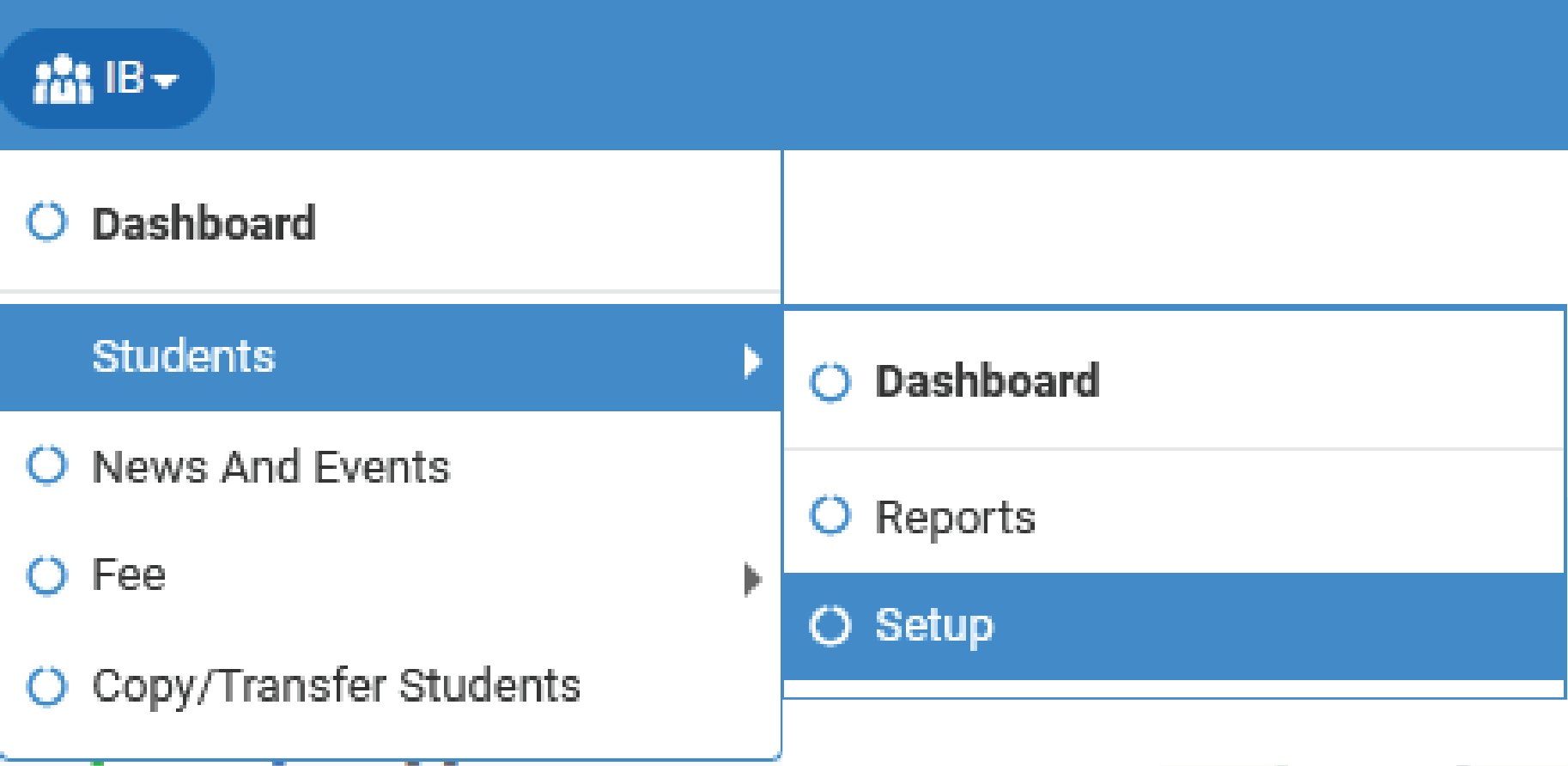
- Go to IB(Inter Branch Data)>>Students>>Setup
Step 2
- Step 2
-
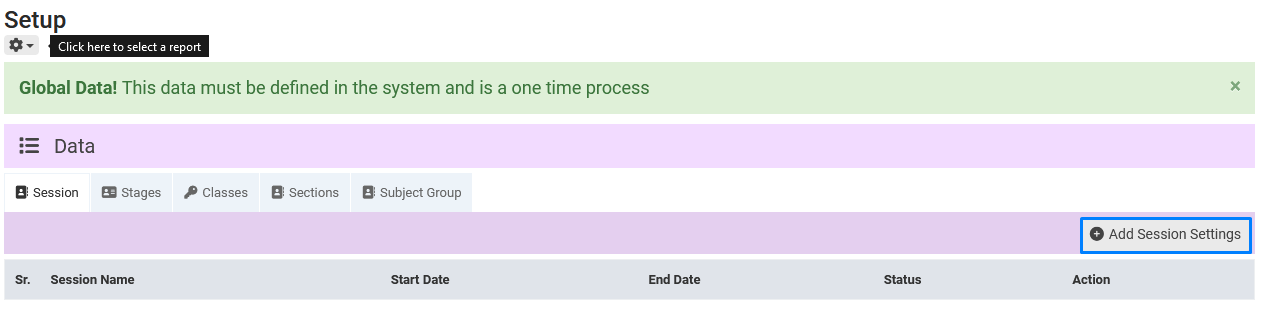
- After clicking on setup this page will appear on your screen
- Click on add session settings button
Step 3
- Step 3
-
- Add setting name or you can add session name like 2022 to 2023, 2023 to 2024 etc.
- Select session start and end date
- Active must be check
- Add years
- After this procedure click on save settings button